
We have made some changes to the “Investment Strategy Tags” component for smallcases.
The goal is to make them directly linked to the smallcase types, hence providing users a more relevant process for searching & discovering new smallcases.
New Implementation
In the revamped framework, the universe of strategy tags depends on the smallcase type which has been selected by you. Thus, we are moving away from the universal tags to a more layered strategy tags approach.
You can view the available strategy tags for each smallcase type here.
For “Smart Beta” & Target Date” smallcase types, no strategy tags will be present.
For “Tracker” & “Thematic” smallcase types, you can request for a new strategy tag to be added. Post approval, the new tags will be made available for selection on the Publisher Platform.
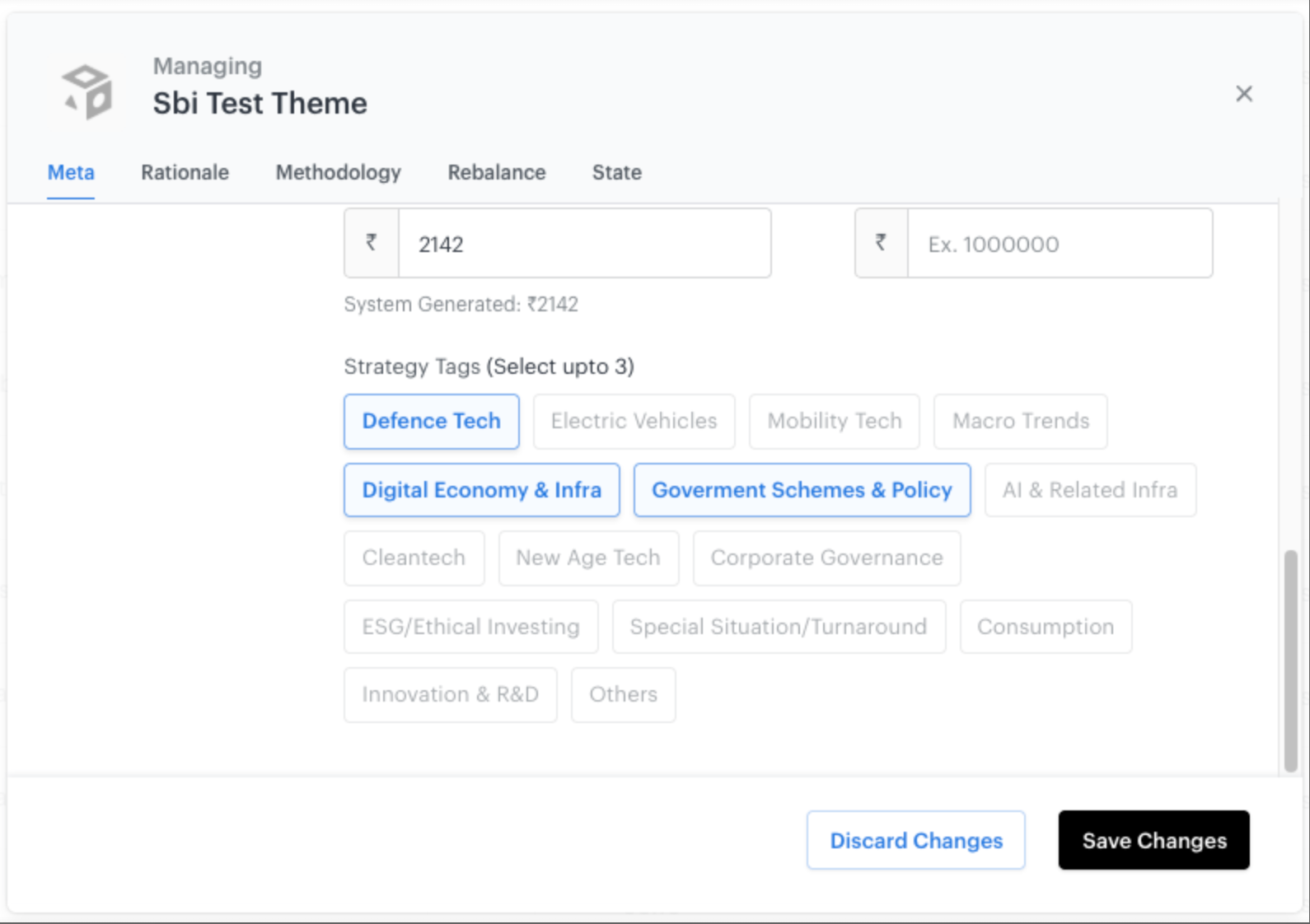
On smallcase app, website and broker platforms,
The current filter for “Strategy” will be replaced with “Category” filter
The user will be able to filter smallcases by selecting the smallcase type and then further selecting the relevant strategy tags
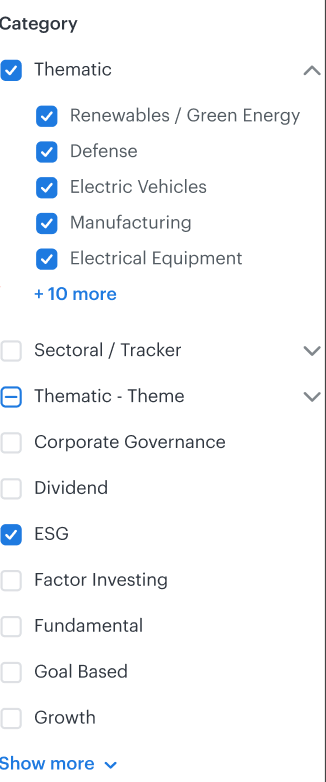
Example of how new filters will look
Impact on new smallcases
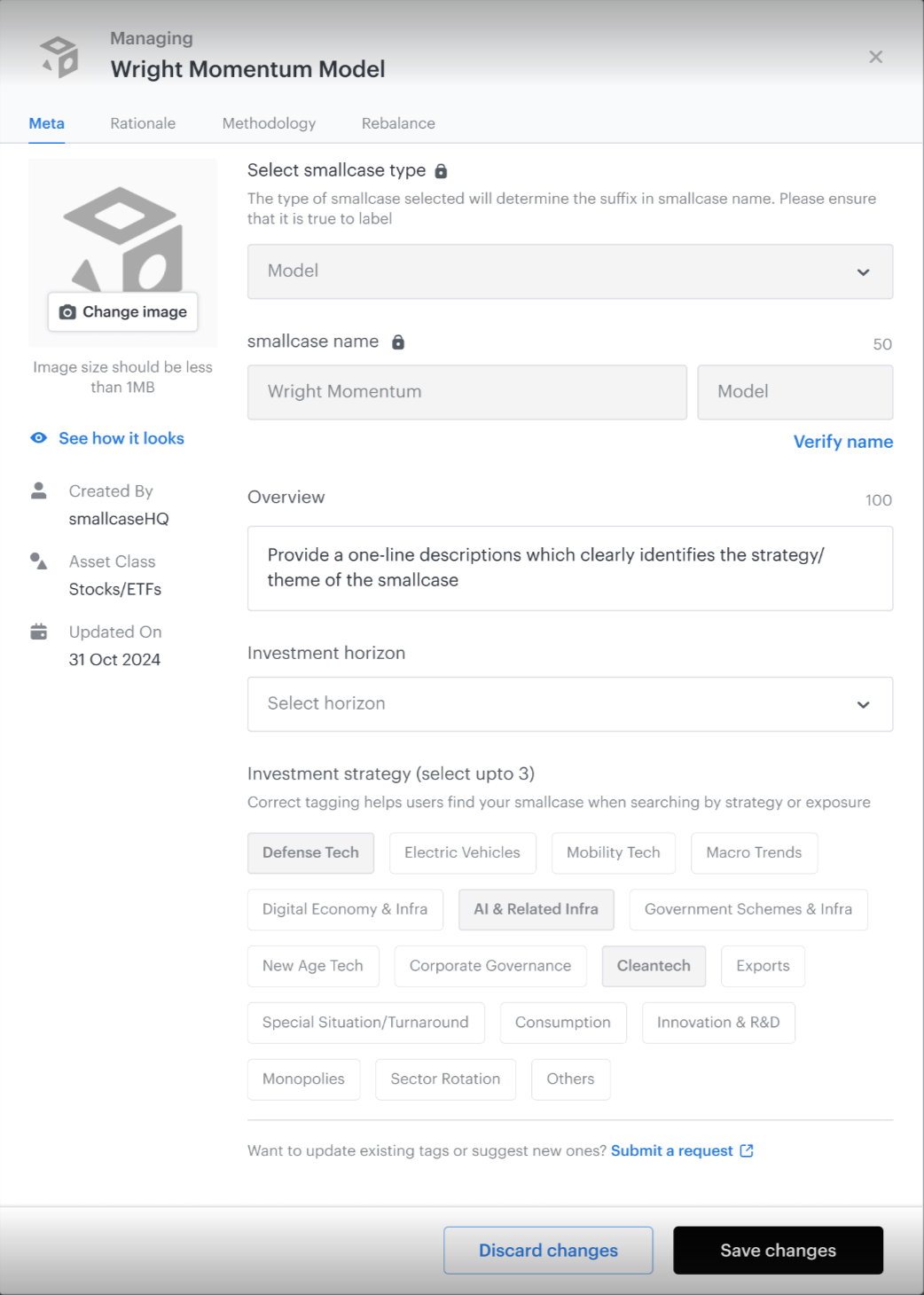
For new smallcases, you will see the revamped Strategy Tags section by default.
You can select the relevant tags and save your smallcase as a draft or publish as per your requirement.
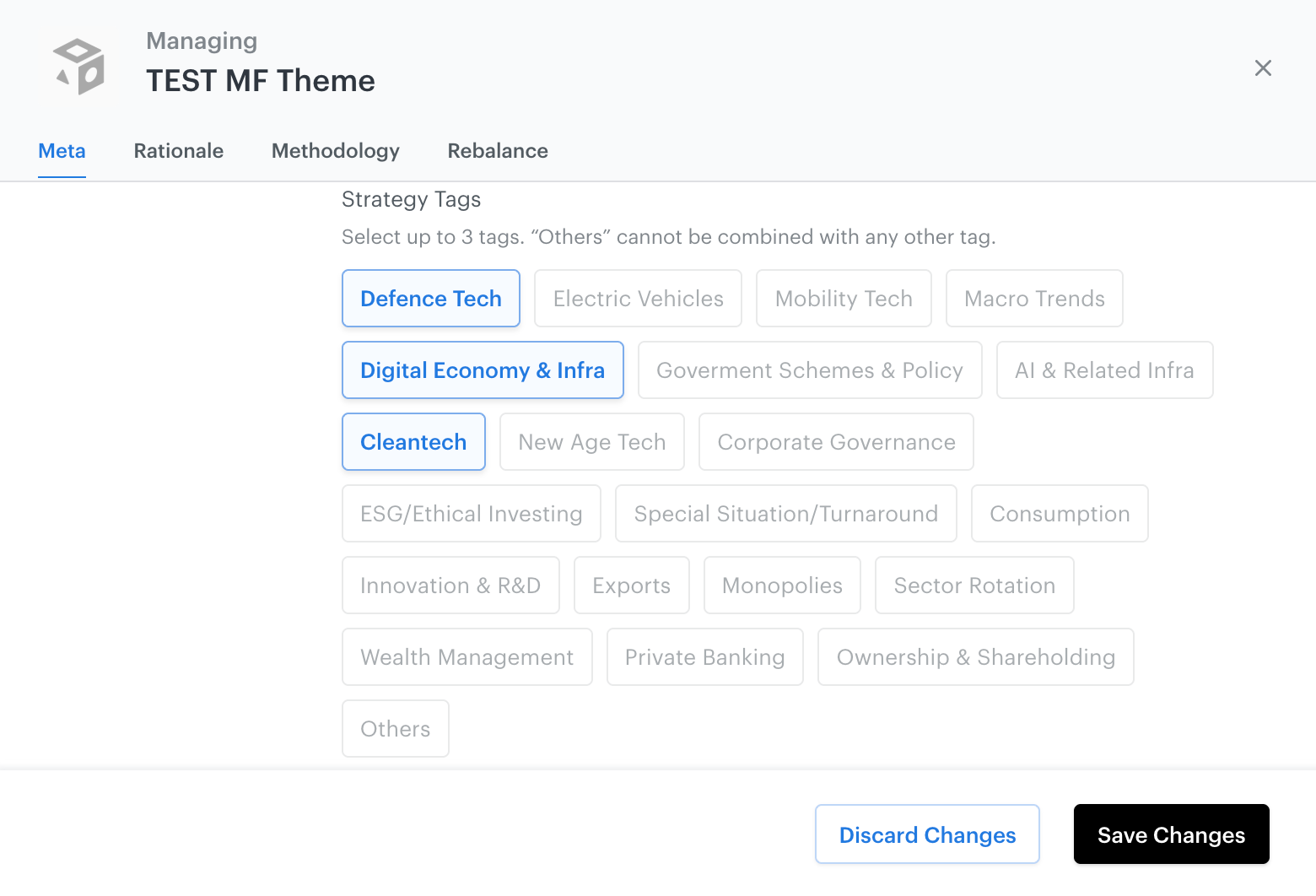
To request for a new tag, you can click on ‘Submit a request’, which will open up a form requesting you to fill in details for the new tag. Once the form has been filled, post internal review & approval we will add the new tag for the requested smallcase type. You can also access the form here
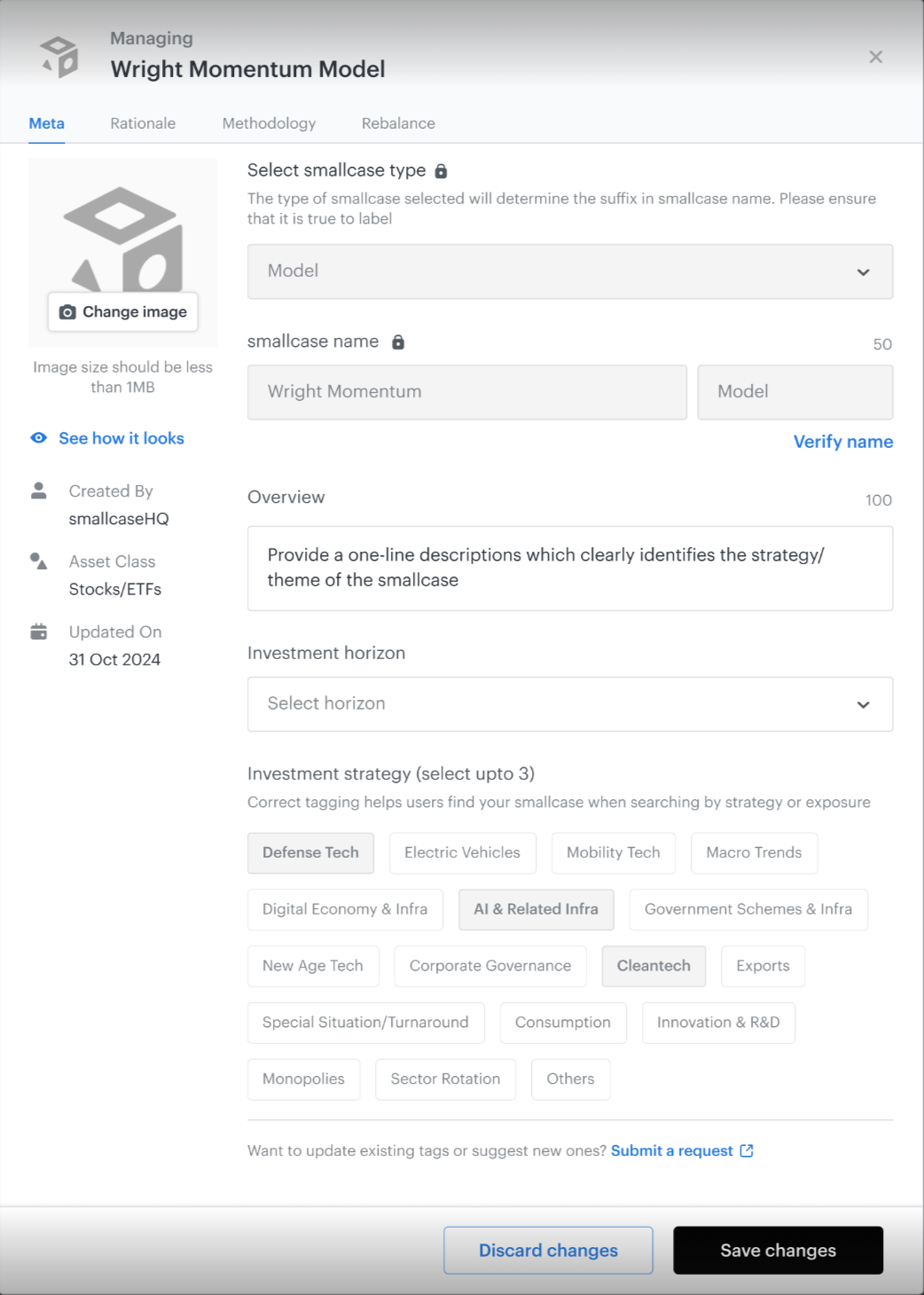
Impact on Existing smallcases (Published)
Once a smallcase is published, tags cannot be changed directly from the Publisher Dashboard. Managers must fill out this form to request editing tags of a live smallcase. Post internal review, and approval tags will be updated for the smallcase.
This will help users find your smallcases more easily when they filter for specific strategies/themes.
Clicking on “Submit a request” will open up a request form where you can submit your response to edit tags for live smallcases.