
Overview
Previously, clients were required to sign a fresh Terms of Service every time they subscribed to a new smallcase and every time they renewed a subscription. To improve user experience and reduce friction, we have updated the flow so that once a client has signed the ToS for a Manager, they will not be required to re-sign it for any subsequent subscriptions or renewals with the same Manager.
This change applies only to Research Analyst (RA) managers.
How it works:
Clients can sign the Terms of Service at different entry points in their journey — during login on the microsite, or as part of the subscription flow.
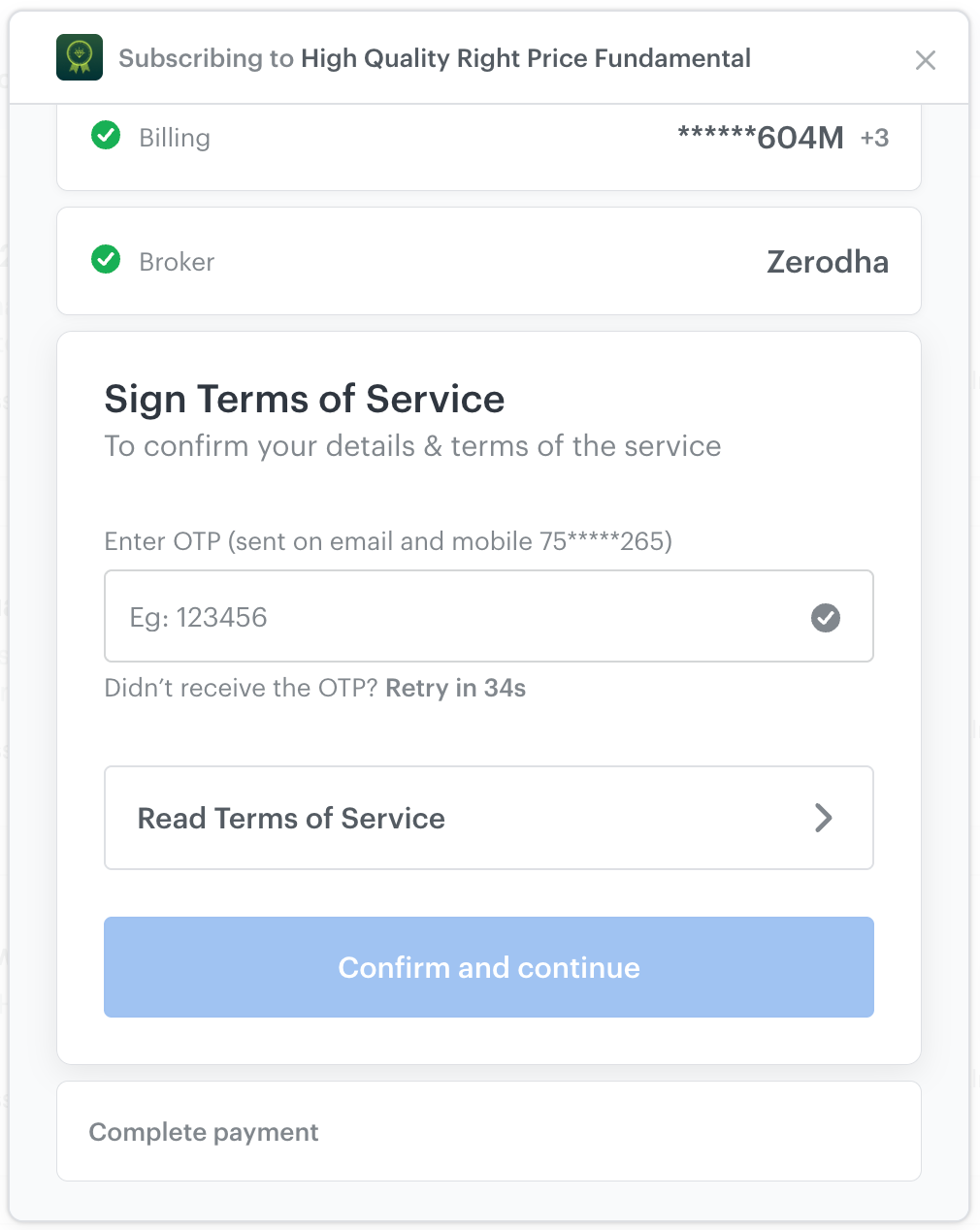
On smallcase app and website the signing works as follows:
The user is prompted to enter the OTP received on their phone & email.
If the user wishes to read the Terms of Service, they can click on the "Read Terms of Service" button.
Upon entering the OTP and clicking the Confirm and continue button, the user signs the manager’s Terms of Service.
On Microsite signing works as follows:
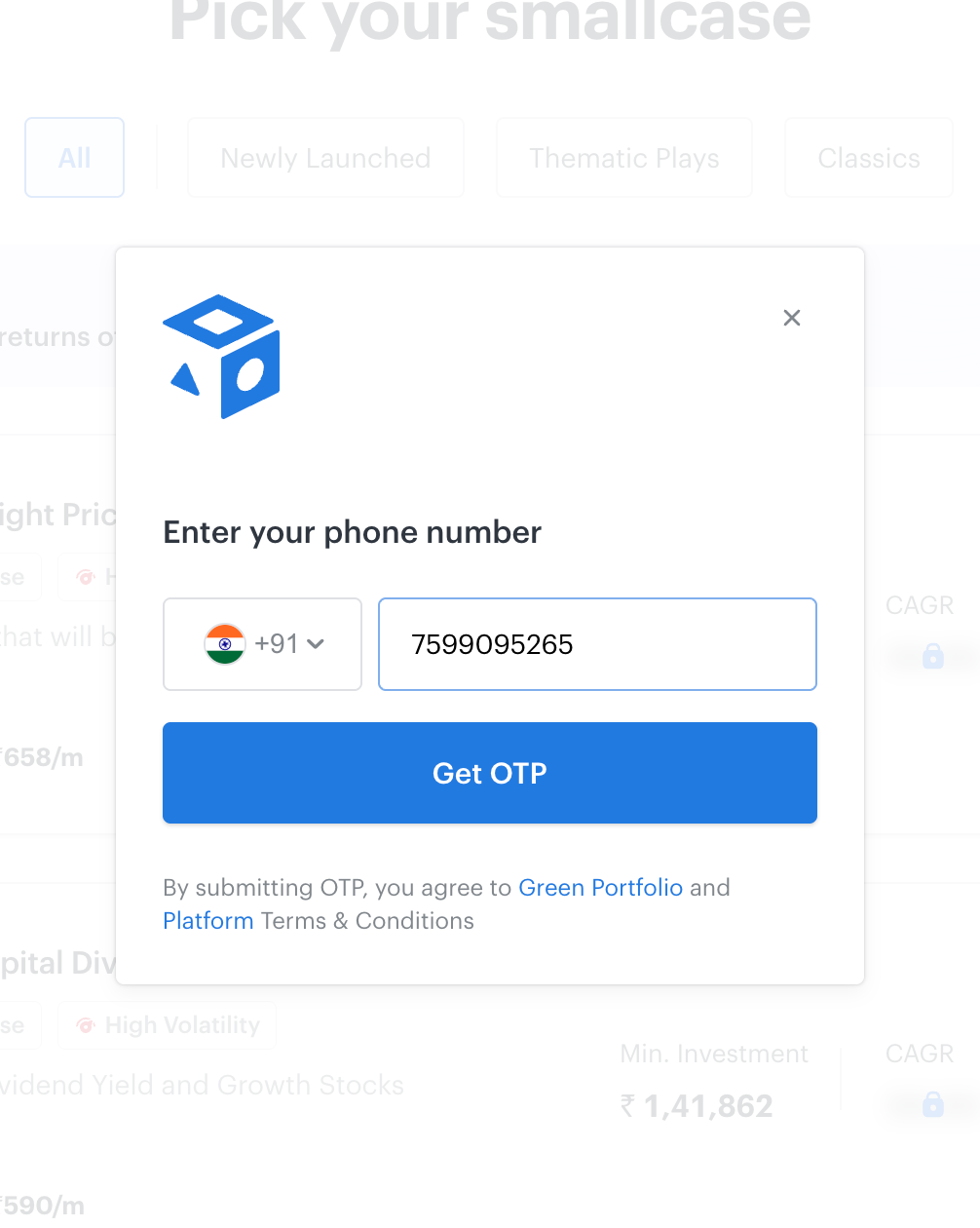
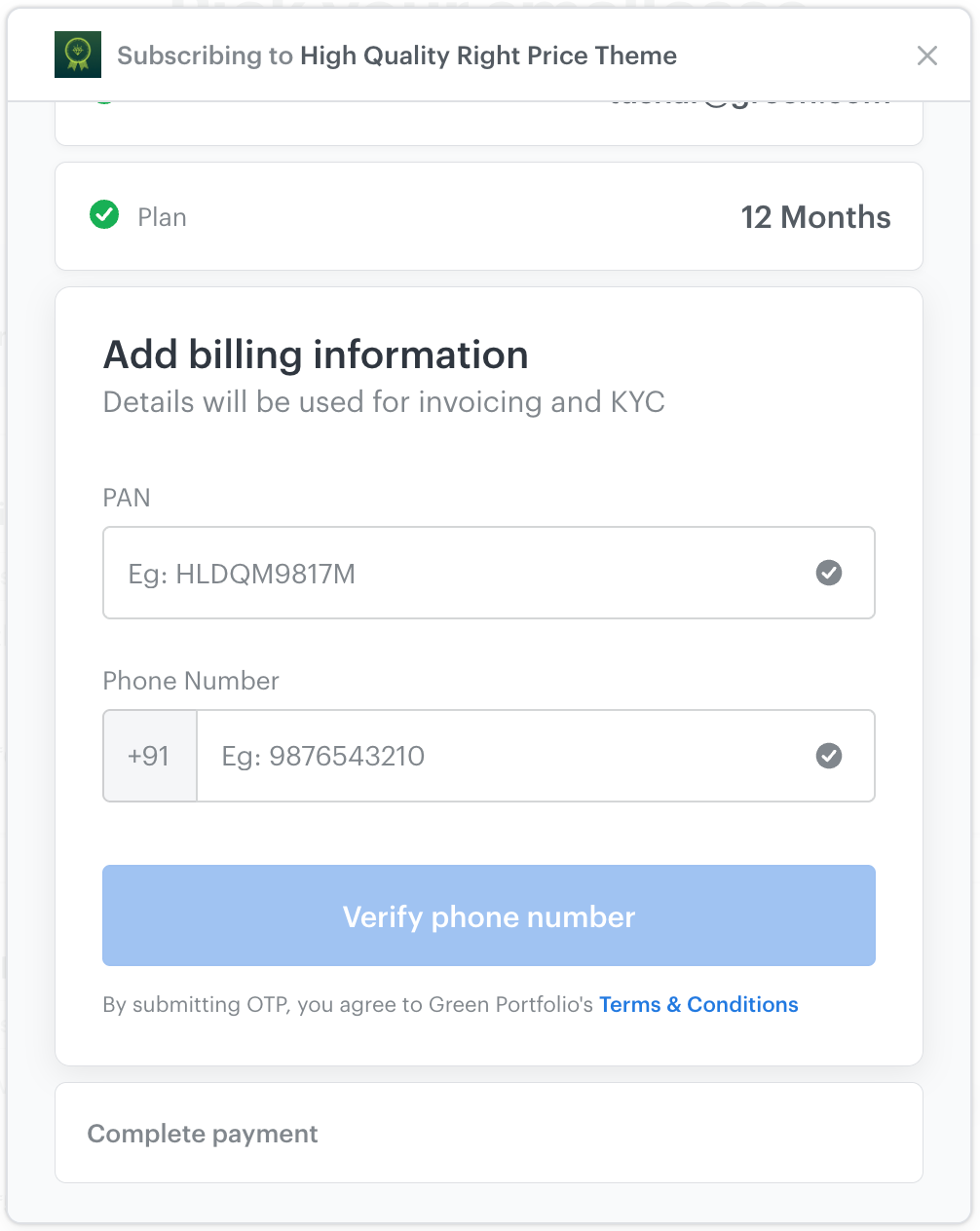
Signing happens when the client logs in on your microsite — either to unlock returns or on the Billing step of the subscription flow.
The user is prompted to enter the OTP received on their phone.
The Terms of Service can be accessed via the manager's Terms & Conditions link on the same screen.
By submitting the OTP, the user agrees to the manager's Terms of Service.
If the user has already signed this manager's Terms of Service in a previous interaction, signing is not required, and the user is taken directly to the next step (i.e. payment). This applies to:
Subscribing to a new smallcase of the same manager
Renewing an existing/previous subscription
Re-attempting a subscription thatwas started but not completed
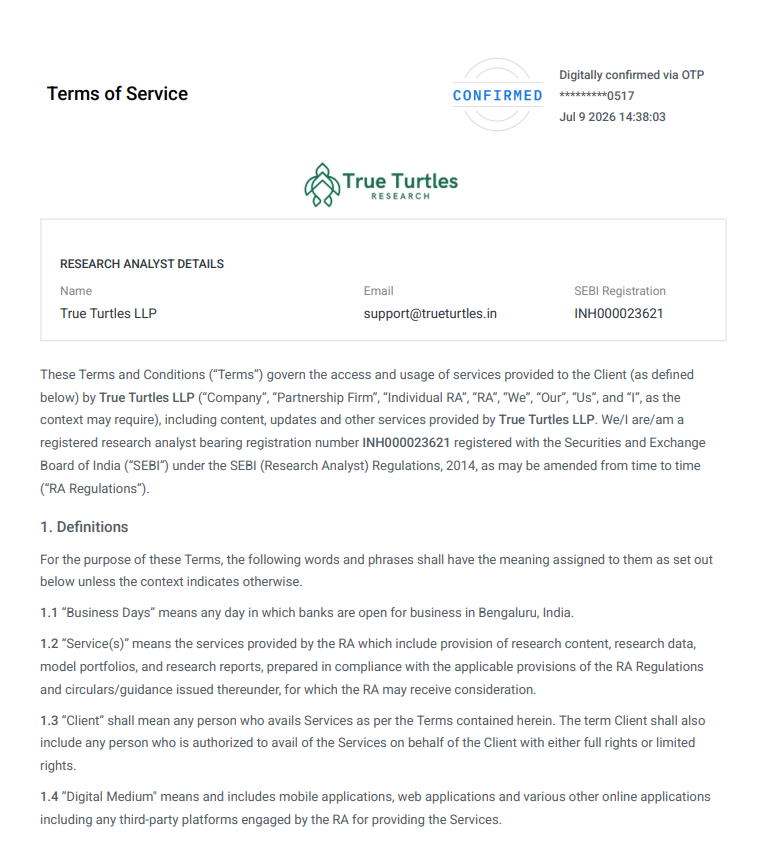
Updated Terms of Service document:
Below is a snapshot of the latest ToS:
What you see on Publisher Platform
The Publisher Platform UI is not changing. Terms of Service continues to be displayed per subscription cycle. What changes is which ToS record is shown against each cycle:
Old cycles (started before this change) — the originally signed per-scid ToS continues to be shown.
New cycles (started after this change) — the manager-level ToS the client agreed to is shown.